You need to have power platform System Administrator permissions to create new power app environment.
Go to link to see steps to identify power app/platform data center location
- log into admin.powerplatform.microsoft.com
- Go to environments from navigation menu on the left side of screen
- All existing environment are listed on this screen
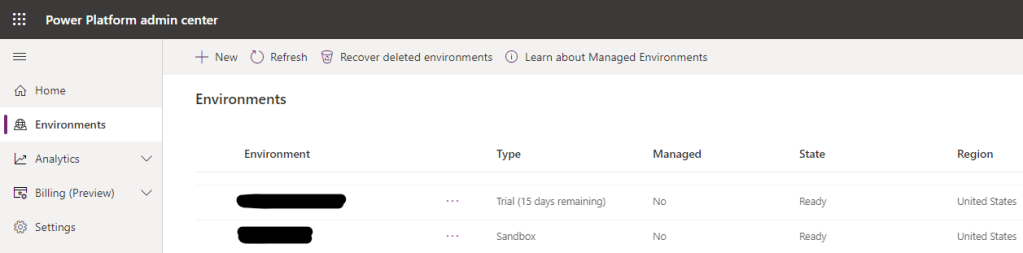
- Click on “+ New” from bar on top of the screen
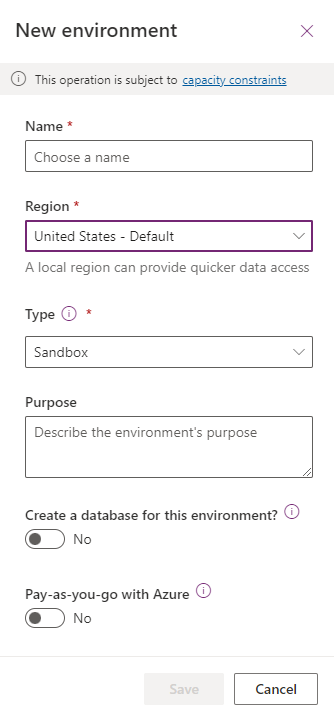
- On new environment screen we can select environment name, region and Type
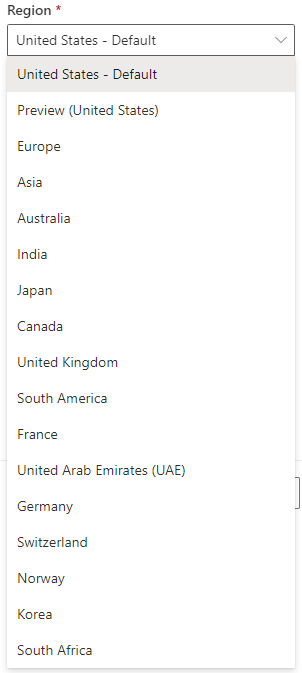
- Following regions are available from region drop down
- Click on save after providing environment details
- Go to link to find steps to figure out power app environment region (data center location e.g. East US, West US)
 Simplyfies